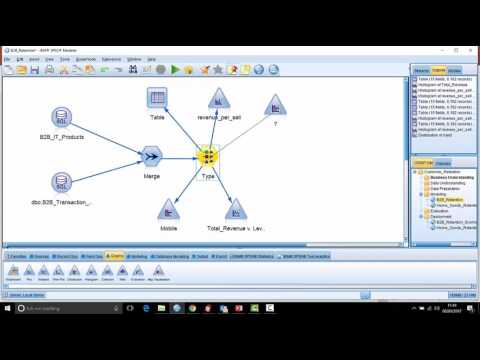
Used correctly, the generate menu offers analysts some substantial time saving benefits. Watch this video to learn more about how you can use the generate menu to:-
- Very quickly filter your data and create subsets of data containing only those variables that you’re interested in
- Work with charts, for example generating new variables in your data based on binning (automatic or manual) in your chart
- Collapsing groups together in your data
- Creating flag fields – indicators that point out unusual or anomalous relationships
- Balancing your data, for example if you want to rebalance your data so that 50% of your cases fall into a target group and the other 50% do not